
Improving Speed and Restoring Smooth Computer Performance
Over time, computers naturally slow down as programs accumulate, settings shift, and components experience wear. When startup takes longer, applications hesitate, or the system feels less responsive than it once did, a professional PC tune-up can make a significant difference. Genesis Computer Systems LLC
provides PC tune-up services throughout Gladwin, MI, Mount Pleasant, MI, Midland, MI and all of Mid-Michigan, focusing on restoring efficiency, improving speed, and creating a more consistent computing experience. The tune-up process addresses both visible symptoms and underlying causes to help the computer function at its best.
Comprehensive System Diagnostics and Performance Review
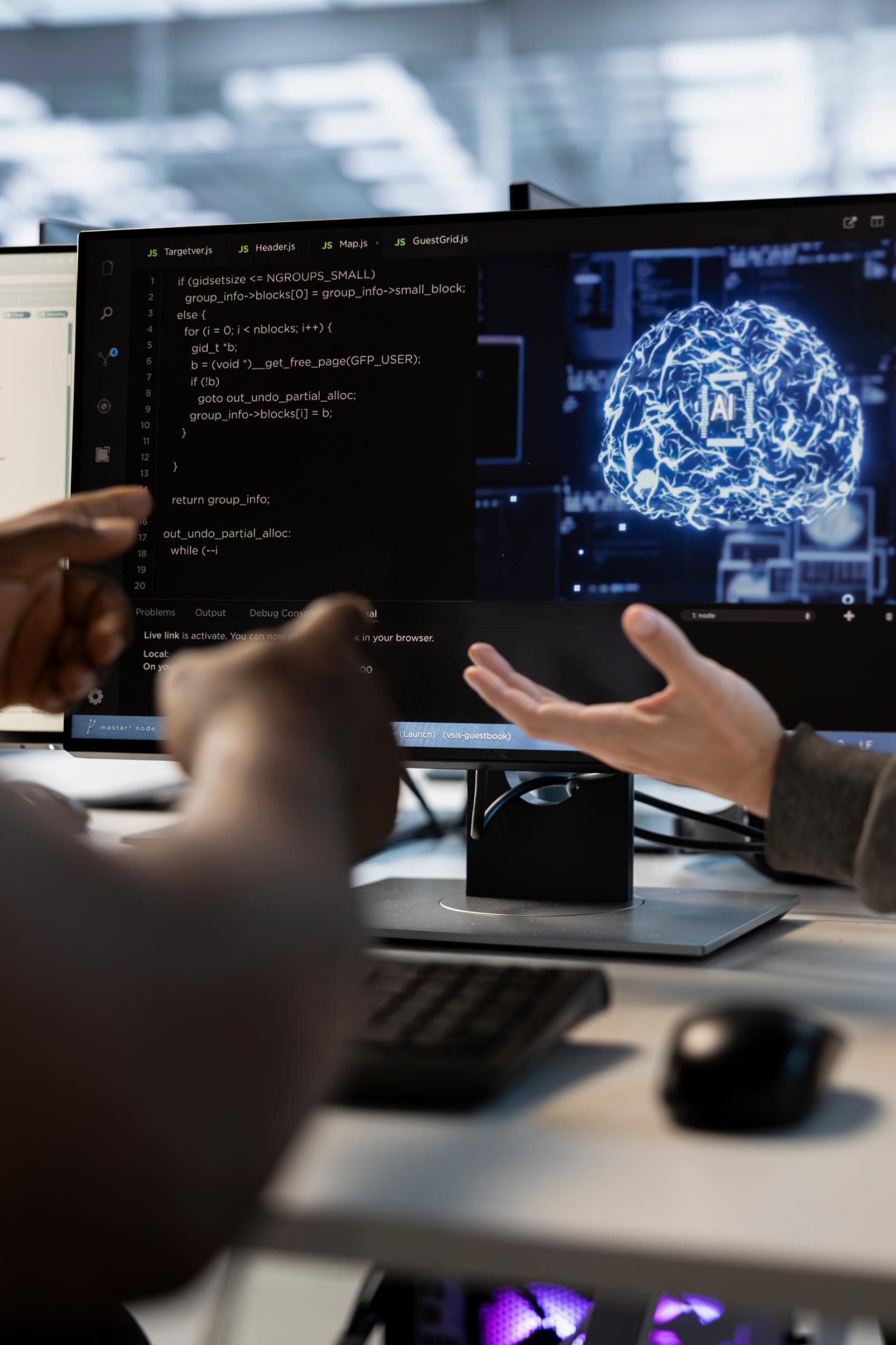
A successful tune-up begins with understanding how the computer is currently performing and which factors contribute to the slowdown. Genesis Computer Systems LLC
performs a detailed system assessment to identify outdated software, unnecessary processes, configuration issues, or hardware limitations that may be affecting the machine.
Examining Startup Programs and Running Processes
Many systems load dozens of programs on startup, significantly increasing boot times and reducing available resources. Evaluating these items helps determine which applications should remain active and which can be safely disabled.
Checking System Resource Usage
High memory or CPU usage often indicates background tasks or misconfigured settings. A diagnostic review reveals which components demand the most attention.
Analyzing Storage Condition and System Health
PCs with aging drives, improper file allocation, or limited space tend to show reduced performance. Examination of storage conditions helps uncover problems that a tune-up can resolve.
Cleaning and Optimizing the Operating System
Operating systems accumulate data, temporary files, cached content, and registry entries that gradually slow performance. As part of the tune-up process, Genesis Computer Systems LLC
cleans and optimizes the system to restore responsiveness and improve general stability.
Removing Temporary and Unnecessary Files
Temporary files can quickly fill storage and interfere with system processes. Cleaning these items frees space and enhances overall performance.
Repairing Registry Issues and System Configurations
Incorrect registry entries or outdated system configurations often contribute to startup delays or software malfunction. Adjusting these elements helps restore smoother operation.
Improving System Startup and Shutdown Speeds
Once unnecessary items are removed and configurations are corrected, the computer boots and shuts down more efficiently, saving time during daily use.


Updating Essential Software and System Tools
Outdated software can create compatibility issues, restrict performance, and increase vulnerability to errors. Updating essential tools ensures that the system runs with the most efficient and secure versions available.
Installing Critical Operating System Updates
Updates often include performance enhancements, stability improvements, and security patches. Ensuring these updates are properly installed is an important step in a complete tune-up.
Updating Drivers for Hardware Components
Older drivers can cause unexpected behavior, slow response times, or hardware malfunction. Updating drivers ensures smooth interaction between software and physical components
Ensuring Key Applications Run Efficiently
Many applications require periodic updates to remain functional and responsive. Reviewing and updating these programs helps maintain consistent performance.
Optimizing Hardware Performance and System Cooling
Hardware plays an important role in how well a computer performs. Dust buildup, loose connections, or aging components can slow down even well-configured systems. Genesis Computer Systems LLC
includes physical hardware checks as part of the tune-up
Cleaning Internal Components and Improving Airflow
Dust accumulation restricts cooling and causes components to overheat. Cleaning the system allows fans and cooling systems to operate efficiently, reducing thermal strain.
Testing Memory and Storage Devices
Faulty or weakening components may produce slowdowns, freezing, or unpredictable errors. Hardware testing identifies whether replacements or upgrades would benefit performance.
Ensuring Proper Component Configuration
Hardware settings, BIOS configurations, and connected peripherals must be aligned correctly for optimal performance. Verification and adjustment help the computer run smoothly.

Enhancing System Security and Reducing Digital Clutter
Security features can become outdated, misconfigured, or overloaded with outdated entries. During the tune-up, Genesis Computer Systems LLC
strengthens system safety while improving overall performance.
Reviewing Security Settings and Protection Tools
Evaluating the system’s protective tools helps identify weaknesses or outdated configurations that could affect performance or stability.
Removing Unnecessary Browser Extensions and Add-Ons
Extensions can consume resources and cause browsers to run slowly. Removing unused or harmful add-ons improves browsing speed and responsiveness.
Securing the System Against Future Issues
By reinforcing protective settings, the computer becomes less vulnerable to performance-related problems triggered by malicious activity.
Providing Guidance for Maintaining Peak Performance
After completing the tune-up, continued care helps keep the computer operating smoothly. Genesis Computer Systems LLC
offers direction for maintaining system health and preventing slowdowns.
Observing System Behavior After the Tune-Up
Monitoring how the computer performs helps identify whether any additional adjustments are needed after optimization.
Offering Practical Tips for Daily Use
Recommendations may include habits such as managing downloads, monitoring drive space, and applying updates regularly.
Remaining Available for Future Tune-Ups and Support
If new issues arise or the computer needs additional attention later, continued support ensures the system remains reliable over time.