

In-Home Computer Repair in Gladwin, MI, Mount Pleasant, MI, Midland, MI and All of Mid-Michigan
Convenient Repair Services Brought Directly to Your Home
Home users rely on their computers for work, communication, entertainment, and essential daily tasks. When a system becomes slow, unresponsive, or unable to function, arranging a repair can feel overwhelming—especially when transporting equipment is difficult or inconvenient. Genesis Computer Systems LLC
offers in-home computer repair services throughout Gladwin, MI, Mount Pleasant, MI, Midland, MI and all of Mid-Michigan, bringing professional diagnostics and hands-on troubleshooting directly to the customer’s location. This service eliminates the need to disconnect devices or travel, allowing problems to be resolved efficiently in the environment where the computer is used most.
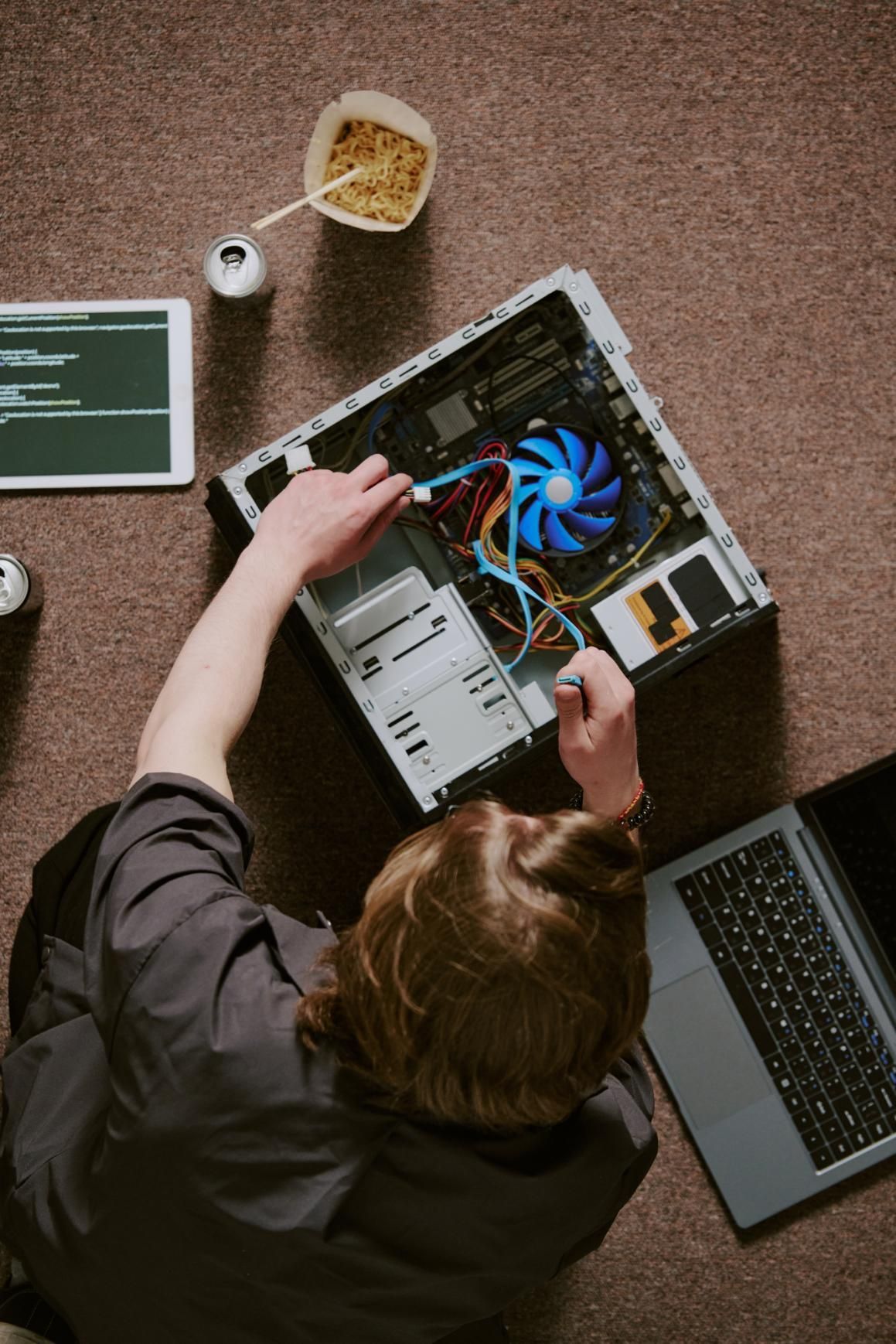
Detailed Diagnostics Performed On-Site
Accurate diagnosis is the foundation of successful computer repair. During an in-home visit, Genesis Computer Systems LLC
examines the system to determine why performance has changed or why certain functions no longer operate as intended. Working on-site allows the technician to observe how the device interacts with the home’s network, peripherals, and power setup, creating a clearer picture of the source of the issue.
Identifying Hardware Malfunctions
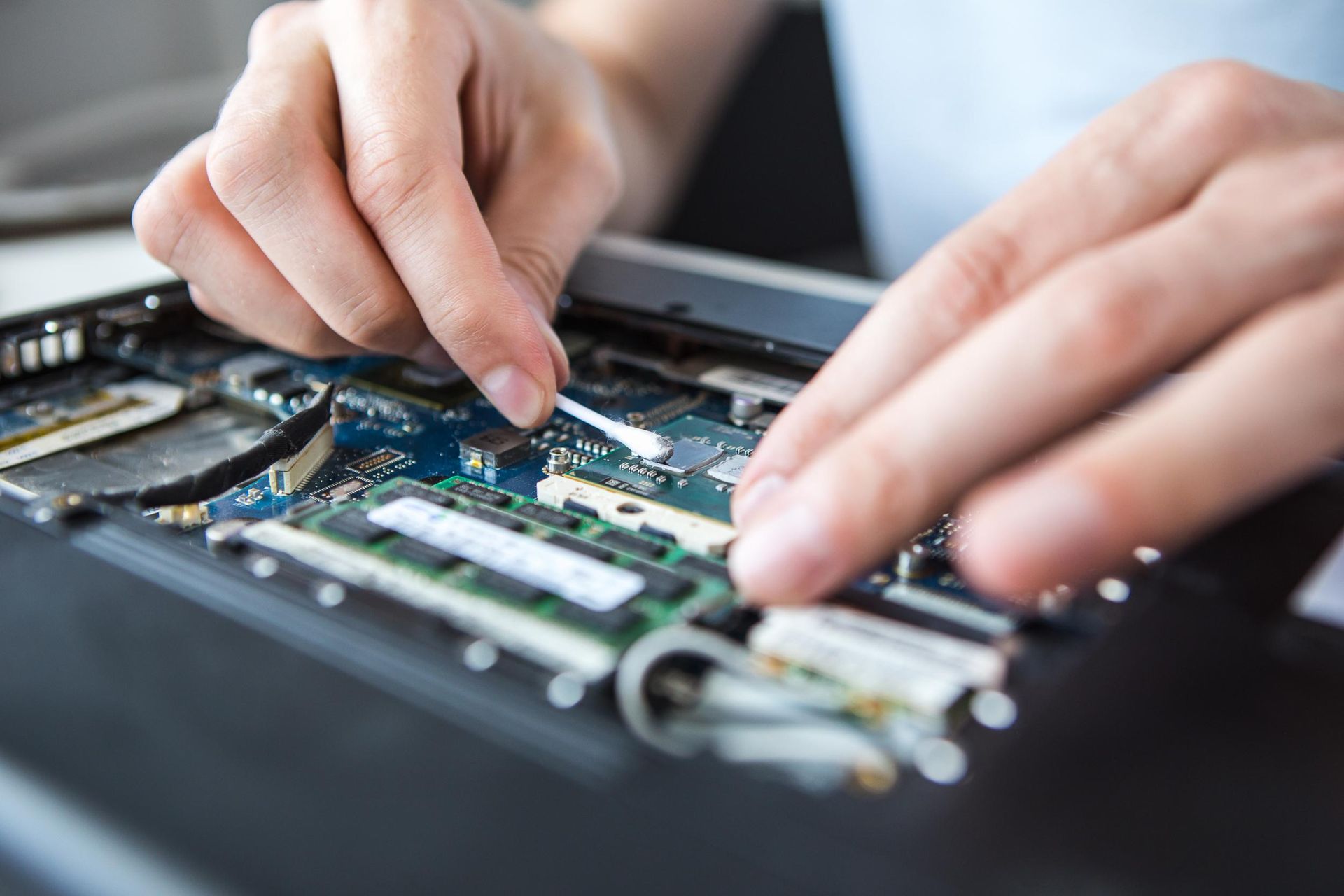
Hardware problems are common in home computers, whether caused by aging components, overheating, accidental damage, or irregular power conditions. On-site diagnostics make it possible to test individual components such as storage drives, memory modules, cooling systems, and power supplies without requiring the customer to remove or transport equipment.
Investigating Software Errors and Glitches
Software issues may range from slow startup and program crashes to unexpected pop-ups or system freezing. An in-home assessment identifies conflicts, corrupt files, incomplete updates, or misconfigurations that disrupt daily use. Once detected, corrective steps can begin immediately.
Understanding Environmental and Setup Factors
Some computer issues stem from the home environment rather than the device itself. Signal interference, wiring limitations, or outdated peripherals may contribute to system instability. On-site repair allows these elements to be evaluated alongside the computer.
Comprehensive Repair for Laptops and Desktops
Whether the issue affects a laptop, desktop, or all-in-one system, Genesis Computer Systems LLC
offers a wide range of repair solutions designed to restore smooth performance and reliable function. Each repair is completed with careful attention to preserving the customer’s files, settings, and personal preferences.
Restoring System Performance
Slow operation can result from background processes, fragmented storage, aging components, or operating system errors. Performance restoration includes addressing each potential cause and applying the repairs needed to return the computer to a responsive condition.
Repairing Start-Up and Boot Problems
Computers that fail to start, reboot repeatedly, or display error messages require structured troubleshooting. Repairs may involve correcting file corruption, repairing boot loaders, or adjusting system configurations.
Addressing Display and Peripheral Issues
Problems with monitors, printers, external drives, or other connected devices often originate from incorrect drivers, faulty cables, or incompatible settings. On-site repair ensures that these peripherals function properly within the customer’s actual workspace.
Virus Removal and System Security Repair
Security threats continue to affect home computers, often leading to slow performance, missing files, unusual pop-ups, or unauthorized behavior. Genesis Computer Systems LLC
provides thorough in-home threat removal and system restoration.
Detecting the Presence and Scope of Infection
Initial evaluation identifies the type of threat affecting the system, whether it involves malware, spyware, adware, or more advanced intrusions.
Removing Harmful Components and Repairing Damage
Once identified, threats are carefully removed, with attention given to restoring damaged files, correcting altered settings, and verifying that no remnants of the infection remain hidden.
Strengthening System Security After Cleanup
After repair, security configurations may be adjusted to reduce future risk. This can include updating protective software or enabling built-in system safeguards.
Home Network Troubleshooting and Repair
Connectivity plays a crucial role in how home computers are used. Weak signals, dropped connections, or slow speeds can make even simple tasks frustrating. Genesis Computer Systems LLC
provides in-home network repair services to restore stable, reliable performance.
Identifying Network Weak Points
On-site testing uncovers issues related to router placement, wiring, device overload, or outdated hardware that may be disrupting connectivity.
Correcting Configuration Errors
Many network issues arise from incorrect settings or conflicting devices. Repairs involve adjusting security protocols, updating firmware, or reconfiguring access controls.
Restoring Consistent Internet and Device Communication
Once the root cause is addressed, the network is tested to ensure that computers, mobile devices, printers, and smart technology operate smoothly together.
Assistance With System Setup, Upgrades, and Transitions
In-home repair services extend beyond troubleshooting. Many customers seek help setting up new devices, transferring data, or upgrading existing systems. Completing these steps in the home ensures everything integrates correctly with the user’s existing environment.
Setting Up New Computers and Software
Proper configuration ensures new systems start off strong. This includes setting up user accounts, transferring essential files, installing updates, and configuring preferred applications.
Upgrading Hardware for Improved Performance
Memory expansions, drive replacements, and component upgrades can extend the life of a home computer. These upgrades are completed on-site, allowing immediate verification of improved performance.
Supporting Smooth Data Transfers
Whether moving from an old computer or consolidating devices, data transfers are handled with care to maintain organization and protect personal information.
